Trigger: Telegram (telegram_trigger)
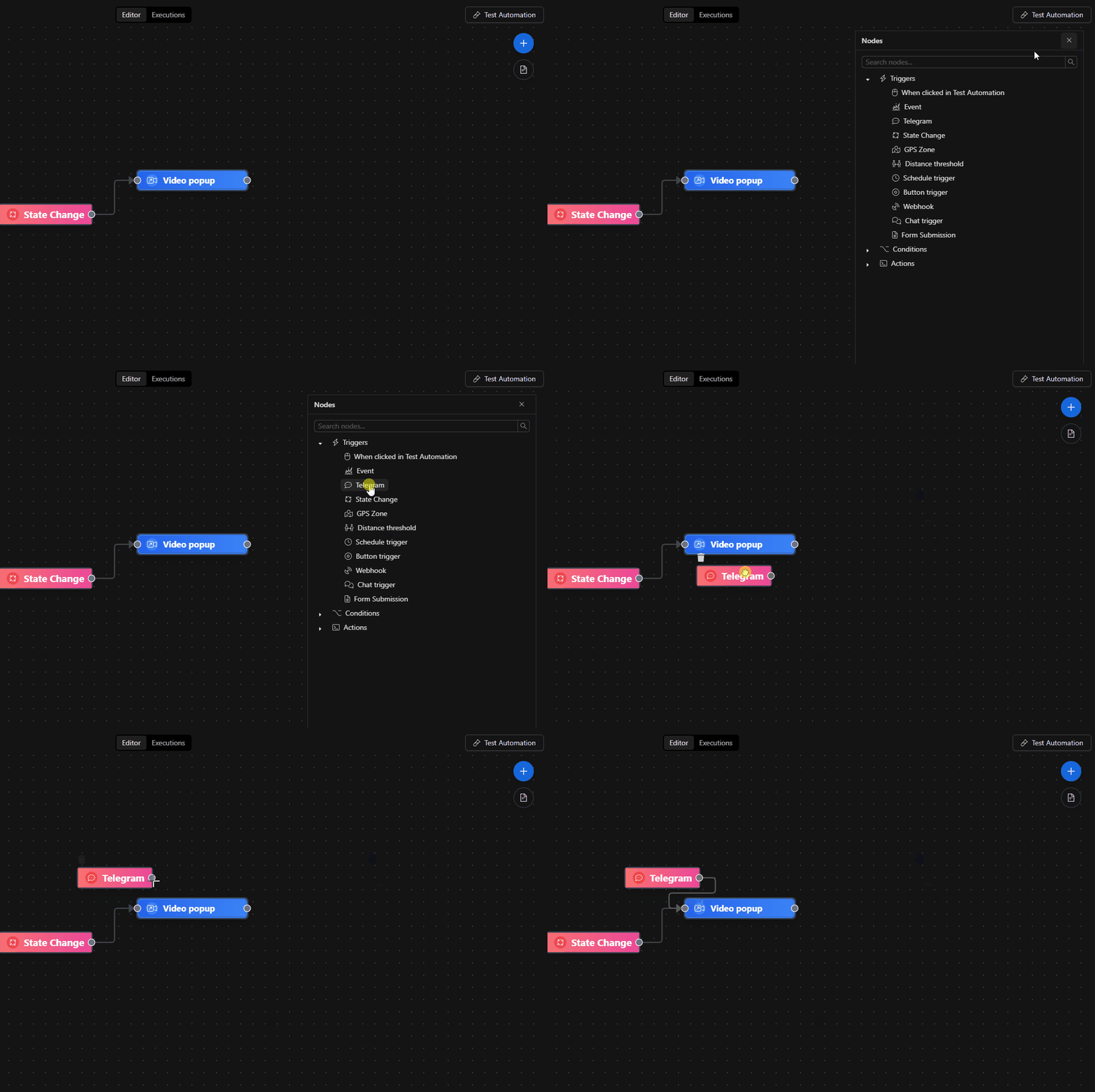
This trigger starts an automation when the system receives messages from Telegram through a bot.
Prerequisites
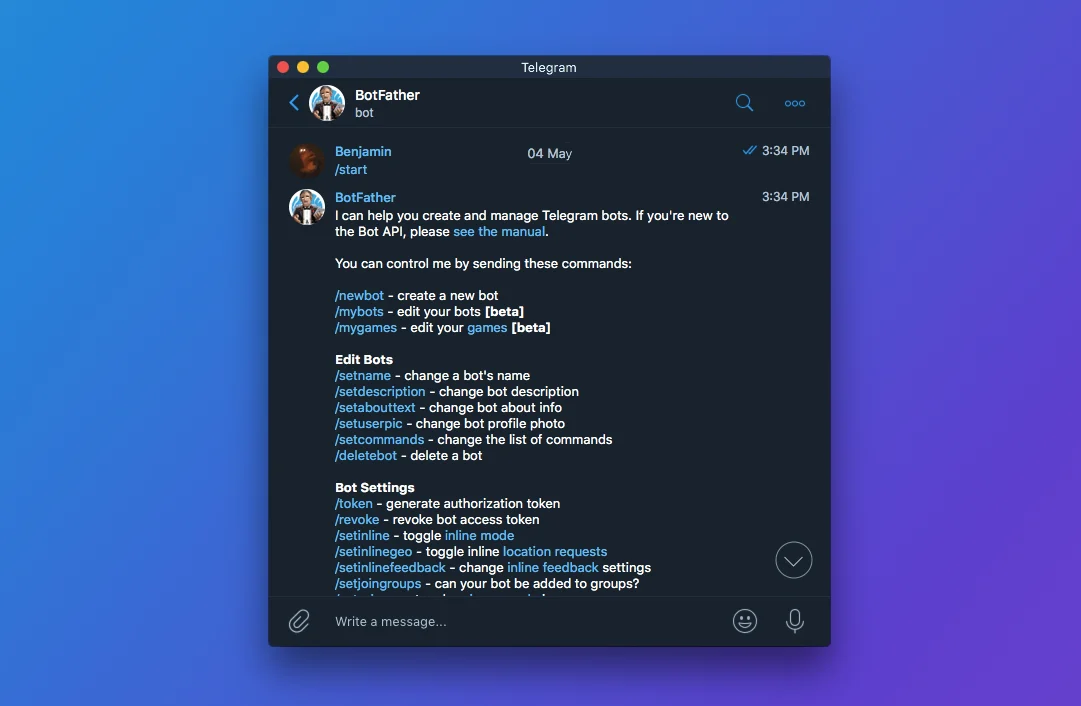
- A Telegram bot created with @BotFather.
- The Bot Token at hand (treated as a secret).
How to configure it (recommended: using the form)
Most users should use the Form tab.
Step 0) Open the parameters
- In the automations canvas, double-click the Telegram node.
Step 1) Configure the Bot Token (with credentials)
In Bot Token you'll see a credentials selector.
- If a credential already exists: select it from the list.
- If it doesn't exist: choose Create new credential and fill in the Bot Token field.
- To change it: select the credential and use the Edit button.
Why use a "Credential" instead of pasting the token
- The token is stored as a secure, reusable credential.
- Avoids exposing secrets in the node configuration.
What this trigger does (user level)
- When a message arrives at the configured bot, the automation fires.
- The trigger only requires the bot token; the platform handles the rest of the message routing/reception.
If the bot token is invalid or not configured, the trigger will not be able to receive messages.
Troubleshooting (common issues)
- Doesn't fire when I send a message to the bot
- Confirm that the trigger has a Bot Token configured via credential.
- Try creating a new credential (in case the previous token was revoked).
-
Verify you are messaging the correct bot (the bot's username).
-
I see "Legacy Credentials Detected"
- This means the token was previously saved "raw" inside the node.
-
Solution: select or create a credential in the selector to migrate to the new method.
-
Security
- Treat the bot token like a password: do not paste it in screenshots, tickets, or public documents.
Advanced configuration (JSON Editor) (expert users only)
In the JSON Editor tab you can view/edit the structure stored by the node.
input format:
{
  "ruleSet": {
    "bot_token": "/**$credential(\"botToken\", 123)**/"
  },
  "config": {}
}
ruleSet.bot_tokenis normally not the real token, but a credential reference with the format:/**$credential("botToken", <id>)**/configis currently saved as{}.
Internal references (to locate it in the editor)
- Node key:
telegram_trigger - Class:
trigger - Required field:
Bot Token(via credential of typeTelegram)