Objects
In Netsocs, everything you connect and manage, whether a physical device or a logical service, is represented as one or more objects.
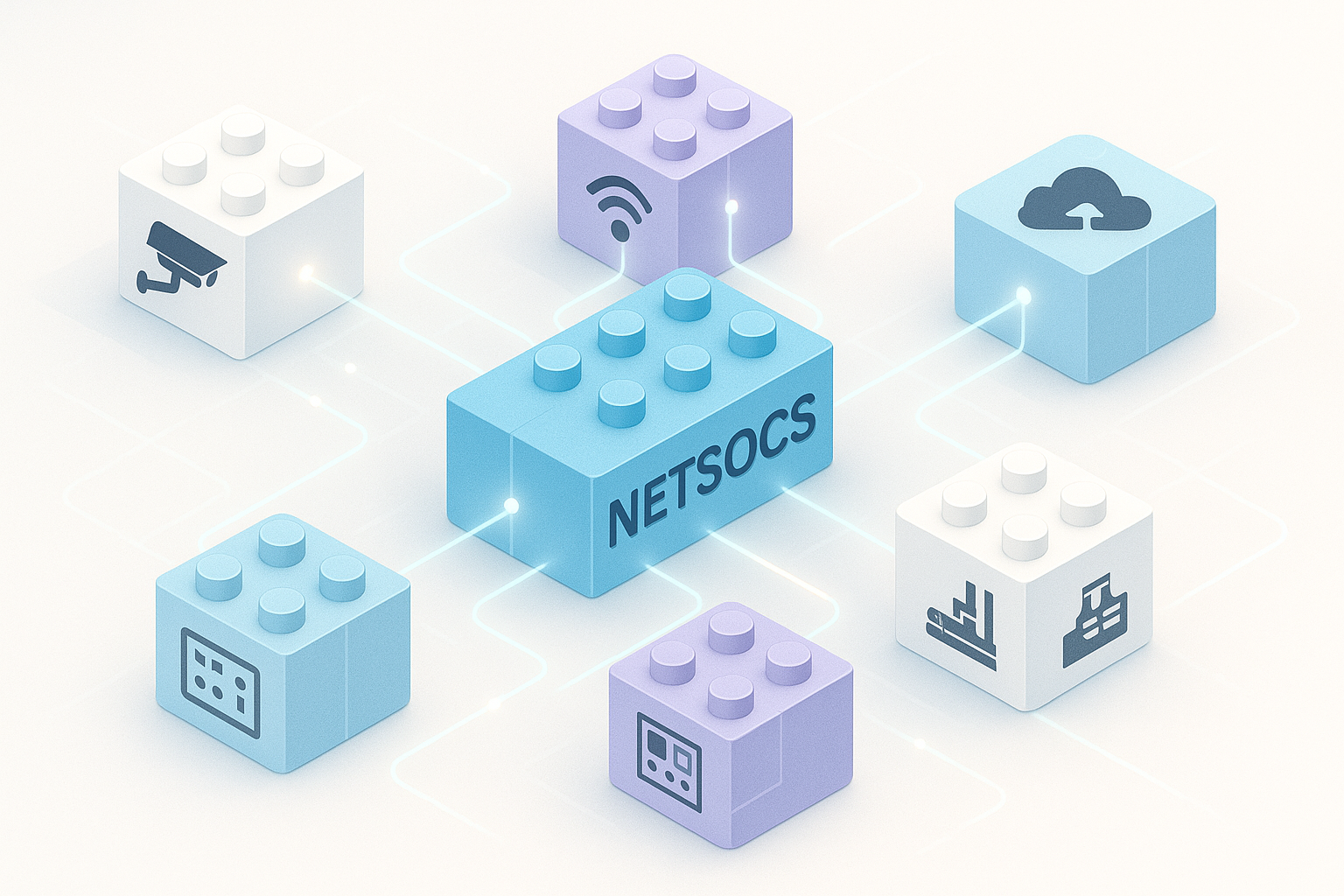
Think of objects as building blocks (like LEGO® pieces) that allow you to model, monitor, and control your environment in a standardized and flexible way.
What is an Object?
An object is a digital representation that encapsulates a specific functionality. Typically, an object is part of a larger device. For example, a "Security Camera" device might be composed of multiple objects: a motion sensor, an audio output, a video channel, a relay output, etc.

How Objects Work: States and State Properties
The magic of objects lies in their states and state properties. These define the current condition of an object at any given moment.
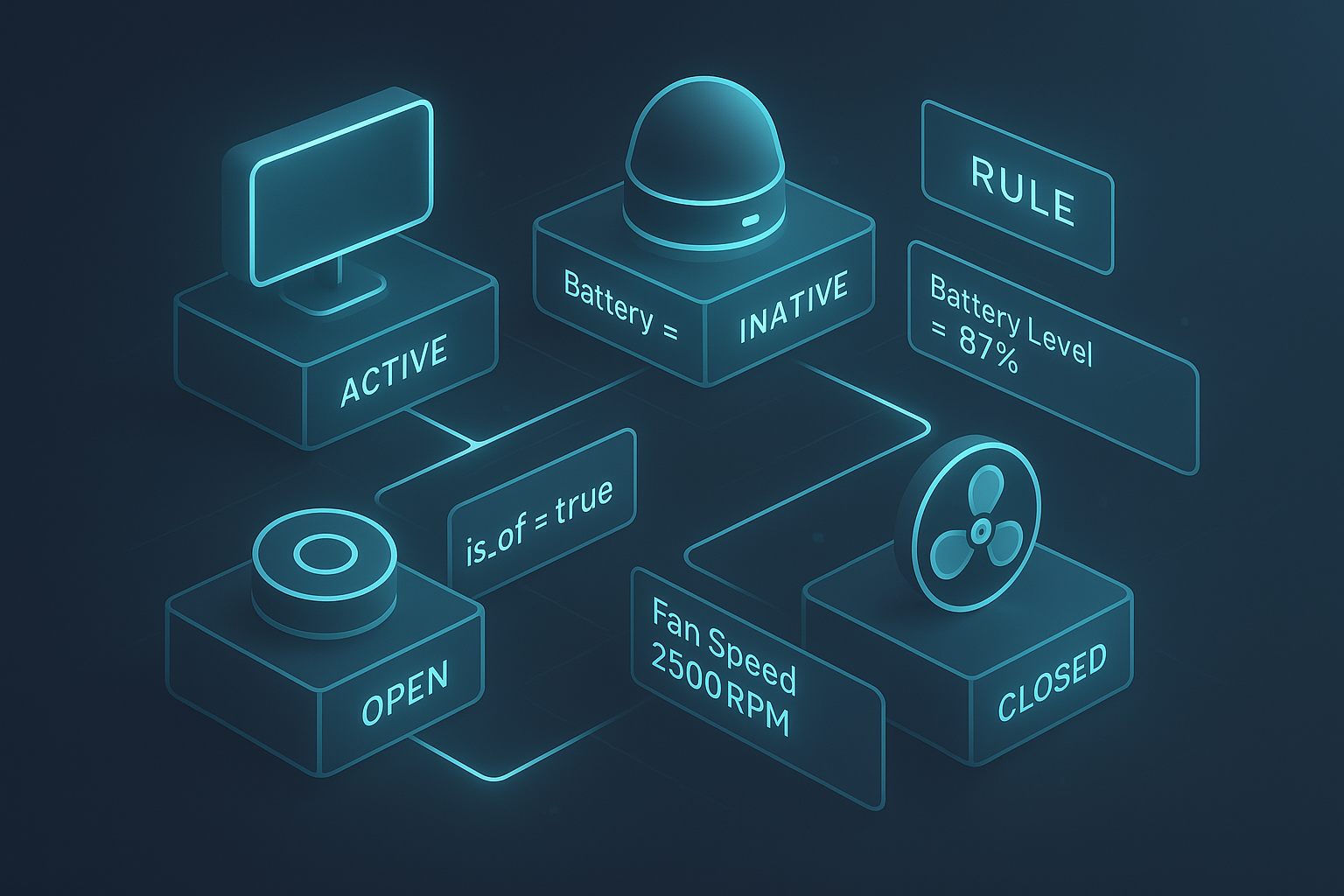
- A state is a general condition (e.g., "active," "inactive," "open," "closed").
- A state property is a specific value associated with that state (e.g.,
current_temperature = 21.5,battery_level = 87%,fan_speed = 2500 RPM,is_off = true).
By monitoring changes in these properties, you can understand what's happening. These properties are very useful for creating rules and automations.
A Practical Example
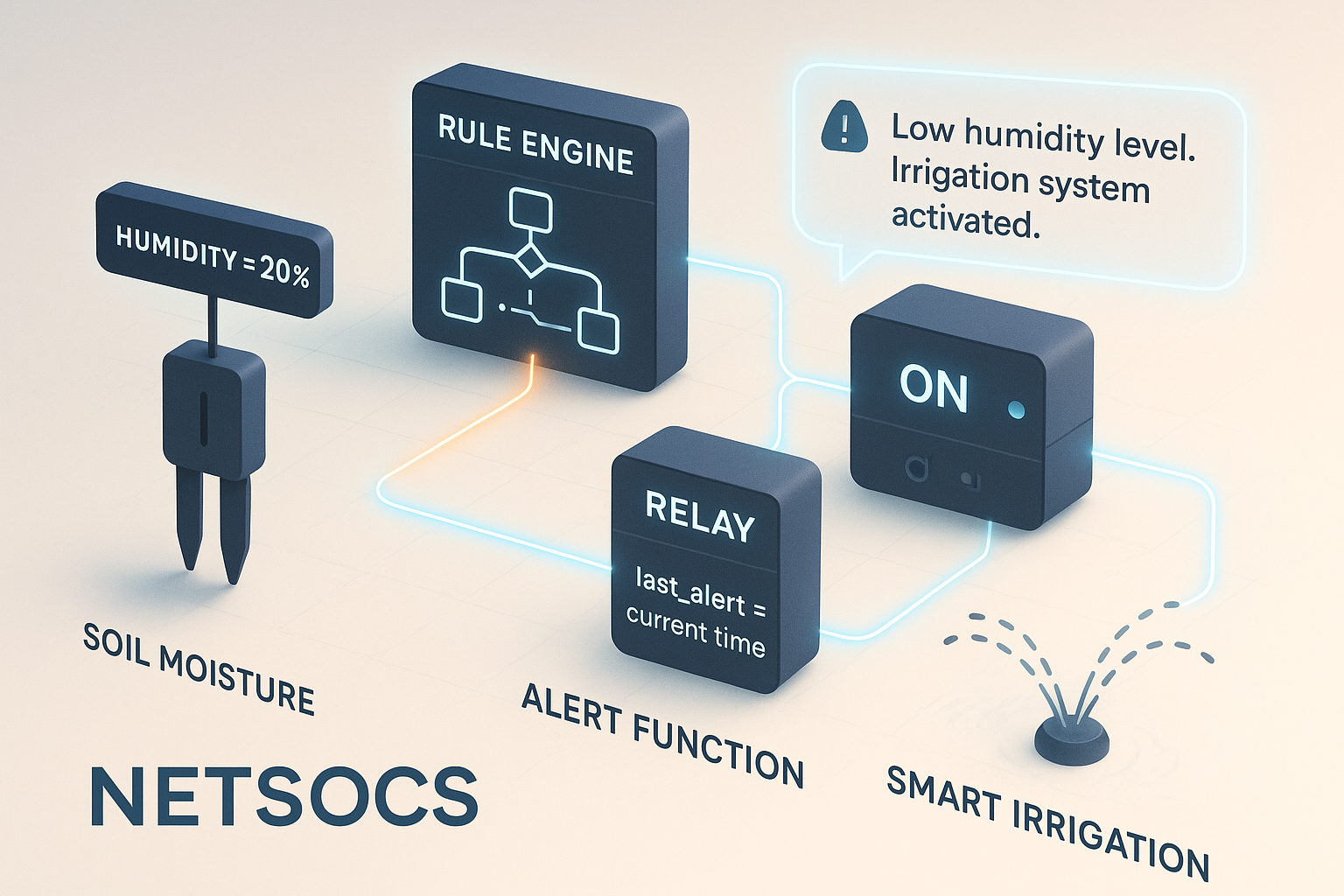
Imagine you want to automate your garden irrigation. You have an irrigation system (device) that has a humidity sensor (object) that reports soil moisture and a relay (object) that controls irrigation.
- An object called Humidity Sensor reports that its
relative_humidityproperty has dropped to 20%. - A rule you've configured in Netsocs detects this change.
- The rule sends a command to the Relay object to change its state to "switched_on"
- At the same time, an Alert Function object could update its
last_alertproperty to the current time and send you a notification: "Low humidity level. Irrigation system activated."
This object model gives you incredible power to create complex automations from simple and reusable components.