Documentation: Memory Delete Node
Overview
The Memory Delete Node is an action node from the Memory family that removes a stored value from the automation memory by its key. Memory allows data to persist between executions (for example, the last known state of a sensor, a counter, or a timestamp); this node deletes that entry when it is no longer needed.
In IoT and industrial environments it is useful for resetting saved process state: clearing an "alarm already notified" flag, resetting a counter at the start of a shift, or releasing temporary data after completing a routine.
When to use this node?
Use this node when you need to:
- Reset a persistent value (counter, flag, last state) at the beginning or end of a process.
- Clear temporary data that has already served its purpose to prevent it from being reused in error.
- Force the next execution to recalculate from scratch a value that was previously in memory (see [[memory-set]], [[memory-get]], [[memory-check]]).
Node Configuration
The node has two configuration tabs: Form and JSON Editor.
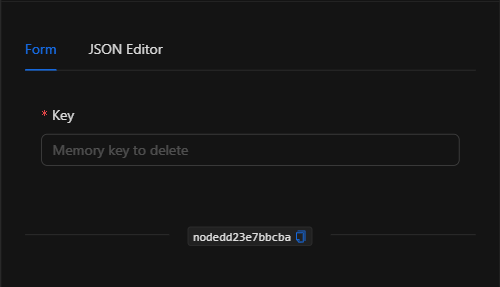
Form View
1. Key *Required
The key of the memory entry to delete. It must match exactly the key used when the value was saved (with Memory Set). Supports template expressions to build dynamic keys (for example, last_state_{{trigger.object_id}}).
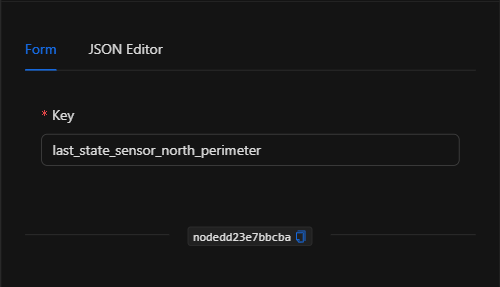
JSON Editor View
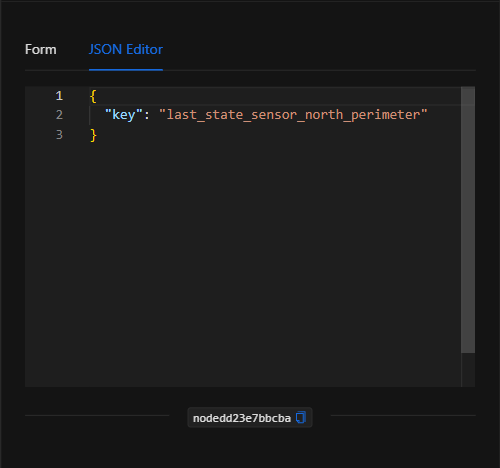
JSON Structure (Input Parameters)
{
  "key": "last_state_sensor_north_perimeter"
}
JSON Fields
| Field | Type | Description |
|---|---|---|
key |
string | Key of the memory entry to delete. Supports template expressions. |
Output: Where the node's data comes from
The node does not produce a data payload; its effect is to delete the indicated memory entry. After it runs, a subsequent read of that key (with Memory Get or Memory Check) will no longer find it. The node finishes marked as successful (green border) regardless of whether the key existed or not.
Usage Examples
Example 1: Reset the saved state of a sensor
Use case: An automation saves the last state of the north perimeter sensor to detect changes. At the end of the shift, that key is deleted so the next working day starts with no previous state.
- Key:
last_state_sensor_north_perimeter
(see JSON structure above)
Example 2: Clear a per-device flag
Use case: After resolving an alarm, the "already notified" flag for that object is deleted to allow new notifications in the future.
- Key:
alarm_notified_{{trigger.object_id}}
Validation and Errors
| Condition | Common cause / fix |
|---|---|
| The key is not deleted | Verify that the key matches exactly the one used in Memory Set (case, hyphens, resolved template). |
| The value still appears | Make sure the Memory Delete node executes before the read where you expected to see an empty result. |
Best Practices
- Consistent keys: use the same naming convention as in Memory Set to avoid leaving orphaned entries.
- Dynamic per-resource keys: with templates (
{{trigger.object_id}}) you can clear the memory for a specific object without affecting others. - Clean up at the end of a cycle: delete temporary data at the end of the routine that created it to keep memory tidy.
- Chain with memory logic: combine it with [[memory-set]], [[memory-get]], and [[memory-check]] for complete management of persistent state.