Documentation: Text to Speech Node
Overview
The Text to Speech Node is an action node that converts text into a spoken audio file (speech synthesis). It allows you to generate dynamic voice messages from flow data, which can then be played through speakers, sent in a SIP call, or attached to notifications.
In IoT environments, it is ideal for generating automatic and personalized audio announcements: for example, broadcasting an alarm over the PA system with the exact detail of the affected sector, without needing pre-recorded audio for every scenario.
When to use this node?
Use this node when you need to:
- Generate dynamic voice announcements that include event data (sector, sensor value, time).
- Produce the audio that a SIP Call node or a PA system will play.
- Create spoken messages without relying on pre-recorded audio, adapted to each situation.
- Improve alert accessibility by combining text and voice.
Node Configuration
The node has two configuration tabs at the top: Form and JSON Editor.
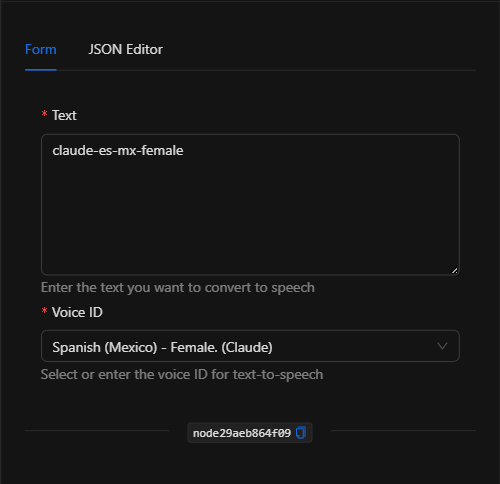
Form View
1. Text *Required
The text to be converted to speech. It is a text area that accepts template expressions, so you can build dynamic messages with flow data (for example, the sensor name or the reading that triggered the alert).
2. Voice ID *Required
Select the voice with which the audio will be generated. The available option is Spanish (Mexico) - Female. (Claude) (claude-es-mx-female).
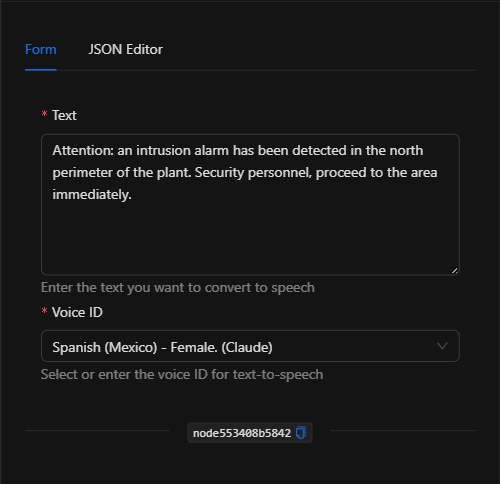
JSON Editor View
In the JSON Editor tab you can view and directly edit the text and voice ID:
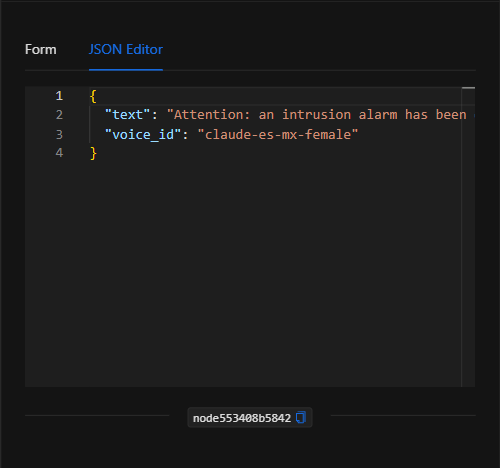
JSON Structure (Input Parameters)
The following shows the JSON structure generated when configuring the node:
{
  "text": "Attention: an intrusion alarm has been detected in the north perimeter of the plant. Security personnel, proceed to the area immediately.",
  "voice_id": "claude-es-mx-female"
}
JSON Fields
| Field | Type | Description |
|---|---|---|
text |
string | The text to convert to speech. Supports template expressions. |
voice_id |
string | The identifier of the voice to use (e.g., claude-es-mx-female). |
Output: Where the node's data comes from
When the conversion runs successfully, the node generates the audio file and returns the URL of the resulting audio in its Output, which can be used in subsequent nodes (for example, to play it or attach it):
{{node_key.url}}
(Remember to replace node_key with the key automatically assigned to the node on the canvas.)
TIP: As with other URLs generated by the platform, if the audio needs to be accessed from outside the internal network, convert the internal Docker path to its public domain path.
Usage Examples
Example 1: Intrusion announcement over the PA system
Use case: Upon an intrusion alarm, a voice message is generated indicating the affected sector and sent to the plant's PA system.
- Text:
Attention: an intrusion alarm has been detected in the north perimeter of the plant. Security personnel, proceed to the area immediately. - Voice ID:
claude-es-mx-female
Configuration JSON:
{
  "text": "Alert at {{trigger.object_name}}. Security personnel, proceed to the sector.",
  "voice_id": "claude-es-mx-female"
}
Example 2: Generate audio for a SIP call
Use case: Dynamically generate the voice message that a SIP Call node will play to the shift supervisor, with the details of the detected failure.
- Text: Message with the sensor reading.
- Subsequent use: The audio URL (
{{text2speech_node.url}}) is used as input for the SIP Call node.
Validation and Errors
| Condition | Common cause / fix |
|---|---|
text is empty |
Enter the text to convert. It is required. |
voice_id not selected |
Select a voice from the dropdown. |
| Audio not generated | Temporary failure of the speech synthesis service. Retry the execution. |
Best Practices
- Clear and concise messages: Write short, direct texts; in an audio alert, what matters is that the message is immediately understood.
- Leverage templates: Include event data (sector, reading, time) so the announcement is specific and actionable.
- Chain with SIP or PA systems: The real value emerges when combining this node with a SIP Call node or an audio system to play the generated message.
- Name the node descriptively: Rename the node on the canvas (e.g., "Generate voice announcement") to reference its output clearly.